
 Available in US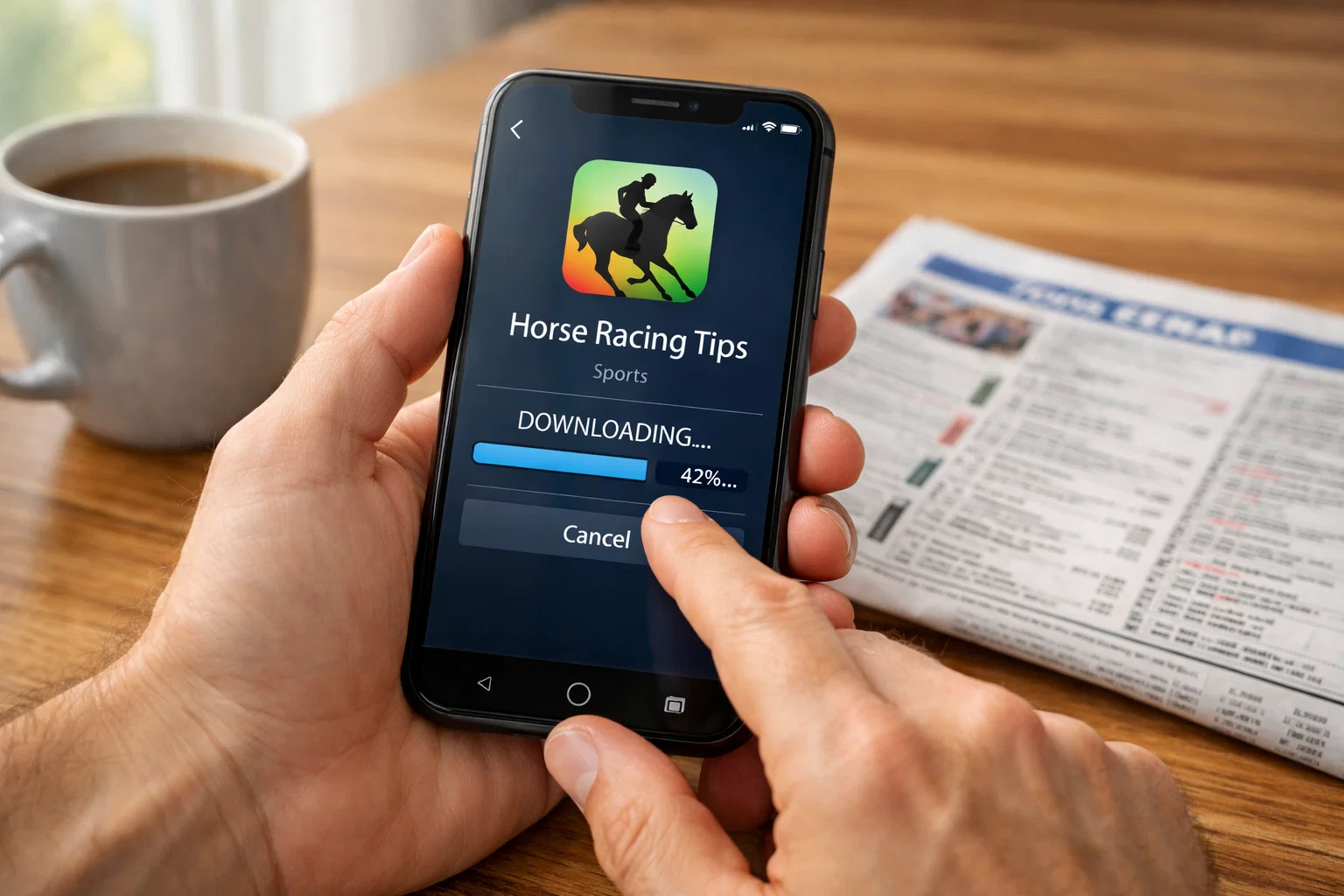
Getting a horse racing betting app onto your phone takes minutes when you know the process, but small mistakes can cause frustrating delays. The UK betting app landscape has consolidated significantly in recent years. According to UK Gambling Commission statistics, the number of betting shops has fallen to 5,931, down 22.8% from pre-pandemic levels, as punters migrate to mobile platforms.
From download to first bet in minutes. That’s the promise most operators make, and it holds true when everything proceeds smoothly. This guide walks through both iOS and Android installation, account verification requirements, common problems and their solutions, and getting your initial wager placed. Whether you’re setting up your first betting app or adding another operator to your portfolio, these steps remain consistent across major UK bookmakers.
Downloading on iPhone and iPad
Apple’s App Store hosts all major UK betting apps, making iOS installation straightforward. Open the App Store and search for your chosen bookmaker by name. Official apps appear prominently in results, typically showing the operator’s logo and high download counts. Verify you’re selecting the genuine app rather than unofficial alternatives by checking the publisher matches the bookmaker’s official company name.
Tap the download button and authenticate with Face ID, Touch ID, or your Apple ID password. Download sizes for betting apps typically range from 100MB to 300MB, requiring either WiFi or mobile data depending on your connection preferences. The download completes within a minute or two on standard connections, after which the app icon appears on your home screen.
Some users encounter age verification prompts before downloading gambling apps. iOS requires users to confirm they meet minimum age requirements, which for UK betting stands at eighteen. If prompted, confirm your age to proceed. These checks exist separate from the more comprehensive verification required during account registration.
Location matters for app availability. UK betting apps appear in the British App Store but may be absent from other regional stores. If you’re temporarily abroad, apps already installed continue functioning, but new downloads require access to the UK store. Travelling punters occasionally encounter this limitation during holidays.
Post-installation, open the app and grant requested permissions. Location services allow operators to confirm you’re betting from permitted jurisdictions. Notification permissions enable alerts for offers, race results, and cash out opportunities. Camera access supports identity verification through document scanning. You can adjust these permissions later through iPhone Settings, though some functionality may require specific permissions to operate.
iPadOS installations follow identical steps. The App Store functions identically across iPhone and iPad, and most betting apps adapt their interfaces for larger screens. Some operators offer dedicated iPad versions optimised for tablet displays, while others scale their iPhone apps. Either approach delivers full functionality.
Downloading on Android
Android users have two pathways to betting app installation: Google Play Store and direct APK downloads from bookmaker websites. Google Play hosts most major operators’ apps and provides the simpler installation experience, though some bookmakers offer website downloads for various reasons.
For Google Play installation, open the Play Store and search for your chosen bookmaker. Select the official app, verify the publisher identity, and tap Install. Android handles permissions differently than iOS, requesting specific access rights either during installation or on first use depending on the permission type. Grant location and notification permissions for full functionality.
Direct APK downloads require additional steps. Navigate to the bookmaker’s website using your mobile browser, locate their app download section, and select the Android option. Your browser may warn about downloading apps from unknown sources, which is normal for APK files. To proceed, you’ll need to enable installation from unknown sources in your device settings.
The unknown sources setting appears under Security in most Android versions, though exact location varies by manufacturer. Samsung, Huawei, and other brands organise settings differently. Search for “unknown apps” or “install unknown apps” within settings to locate the relevant toggle. Enable permission for your browser, download the APK file, then tap to install.
After installation via either method, the betting app appears in your app drawer. Initial launch may trigger additional permission requests. Grant these to enable features like live streaming, push notifications, and location-based services. Denying permissions doesn’t prevent basic app function but limits certain capabilities.
Android updates sometimes affect betting app functionality. Major OS updates occasionally require app updates to maintain compatibility. Keeping automatic updates enabled ensures your betting apps remain current, though manual checking after significant Android updates catches any temporary issues. Most operators release compatibility patches within days of major Android releases.
Account Verification Process
UK gambling regulations require operators to verify customer identity before permitting betting. This Know Your Customer process confirms you are who you claim, that you’re over eighteen, and that you’re located in a jurisdiction where the operator holds appropriate licences. Verification typically involves submitting identification documents and proof of address.
Most operators accept passports, driving licences, or national identity cards for identification. Proof of address commonly requires utility bills, bank statements, or official correspondence dated within the past three months. Some apps verify addresses electronically using credit reference data, eliminating document uploads for users whose details match existing records.
The good news: according to UK Gambling Commission pilot results, 97% of financial vulnerability checks now complete without any friction to the user. Electronic verification often confirms identity within seconds, allowing immediate betting access. When manual document review is required, turnaround typically ranges from a few hours to one business day.
Failed verification usually results from document quality issues rather than fundamental problems. Blurry photographs, cut-off document edges, or expired identification all trigger rejection. Retaking photos in good lighting with complete document visibility resolves most issues. If electronic verification fails, uploading physical documents usually succeeds.
Some operators permit limited activity before full verification completes. You might be able to explore the app, create a betslip, or even make small deposits. However, withdrawals universally require completed verification. Starting the process immediately upon registration prevents delays when you first attempt to withdraw winnings.
Common Download Issues
Storage space represents the most frequent download obstacle. Betting apps require between 100MB and 500MB of available storage, but installation processes often need additional temporary space. If downloads fail with storage warnings, clearing cached data from other apps typically resolves the issue. Check available space in your device settings before beginning downloads.
Network connectivity problems manifest as stalled downloads or incomplete installations. Switching from mobile data to WiFi, or vice versa, often unblocks stuck downloads. Restarting your router addresses home network issues, while toggling airplane mode briefly can reset mobile data connections. Persistent failures suggest broader network problems rather than app-specific issues.
Account region mismatches prevent app store access in some cases. UK betting apps require UK app store accounts. Users with accounts registered in other countries may not see certain apps in search results. Creating a UK-region account or updating existing account location settings resolves this, though you’ll need a UK payment method for purchases.
Outdated operating systems occasionally block betting app installations. Most apps require iOS 14 or later, and Android 8 or later. Older devices running obsolete operating systems may not support current app versions. Updating your device OS to the latest available version addresses compatibility issues, though very old hardware may have reached maximum supported OS versions.
Corrupted installations present symptoms including crashes on launch, missing features, or strange behaviour. Deleting the app completely, restarting your device, and reinstalling fresh resolves corruption issues. Your account data remains safe on bookmaker servers, so reinstallation doesn’t affect balances or bet history.
Placing Your First Bet
With the app installed and your account verified, placing your first bet follows a consistent pattern across all major UK bookmakers. Start by making a deposit using your preferred payment method. Most apps accept debit cards, PayPal, Apple Pay, and various e-wallets. Minimum deposits typically range from £5 to £10, though welcome offer terms may specify higher amounts to qualify.
Navigate to horse racing through the app’s menu or homepage shortcuts. Racing sections list upcoming meetings chronologically or by racecourse. Select a meeting, then choose a specific race. The race card displays runners with current odds, allowing you to assess options before committing.
Tap on the odds for your chosen horse to add it to your betslip. The betslip appears at the bottom of the screen, displaying your selection and prompting stake entry. Enter your desired stake, review potential returns shown, and tap the confirmation button. Most apps provide best odds guaranteed on UK and Irish racing, meaning if the starting price exceeds your taken price, you receive the better return automatically.
Confirmation screens display bet details for your records. Take a screenshot if you want a personal record beyond the app’s bet history. Your active bets appear in a dedicated section, showing current status and cash out availability where applicable.
First bets on new accounts often qualify for welcome offers. These promotions vary from free bets awarded regardless of outcome to enhanced odds on initial wagers. Read offer terms before placing your first bet to ensure you meet qualifying criteria. Some offers require opt-in through promotional codes or specific bet types. Missing qualification requirements on your first bet typically means missing the offer entirely, so checking terms saves disappointment.
How to Download Betting Apps — More on this topic at horse racing betting apps.
See also UKGC Licensed Betting Apps.
